
Customize Your Locale/Formats in Tops Ortho
Formatting within Tops Ortho
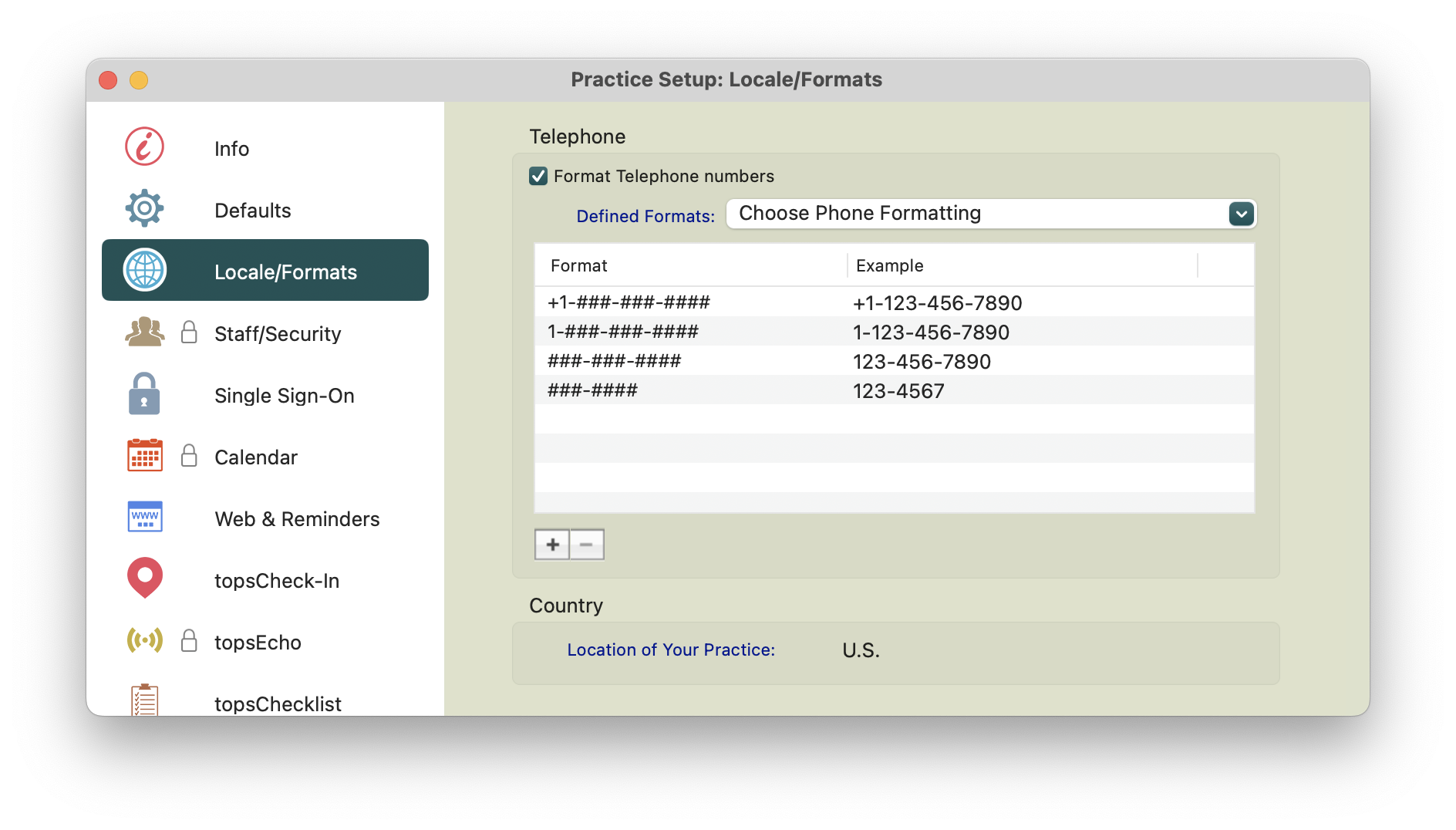
You can customize telephone formatting and specify the location of your practice for date and time formatting within Tops.
- Go to Tops Ortho > Practice Setup.
- Input your password and click OK.
- Go to Locale/Formats.
- Ensure the checkbox for Format Telephone numbers is checked.
- In the Defined Formats field, select your practice's country's location from the dropdown menu.
-
Highlight the line item of the preferred format.
Workstation Specific Formatting
You must also set the computer’s location correctly, which also will impact your date format reflected in Tops. Location settings should be reviewed and modified if necessary. Please reference the date format article listed at the bottom of this page.