Track Pending Appointments
View a list of pending appointments by completing the following instructions. These are your appointments that are scheduled for the current date or in the future.
- Go to Matrix > Appointments.
- Input a Beginning Date and an Ending Date.
- Click Use Selected Date Range.
- Access the filter field and select Pending from the dropdown menu. Note: Update the doctors and locations fields, if needed.
- Click Refresh.
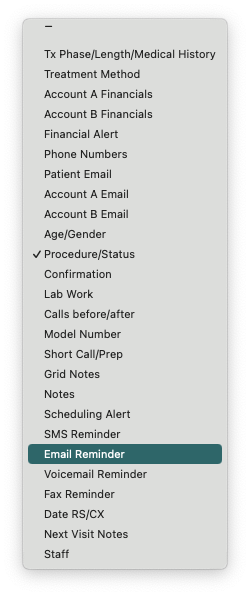
- The information displayed in the columns can be updated. Click the arrows icon within the column header to view a list of options.
|
|
|