
TopsDPX Review Automation Settings Explained
TopsDPX offers three settings for Review Request delivery. Here's how each one works!
YOU decide when your review requests go out and to whom!
- Go to Comm > Tops Reminders.
-
Go to Products > Review > Settings click the Review tab
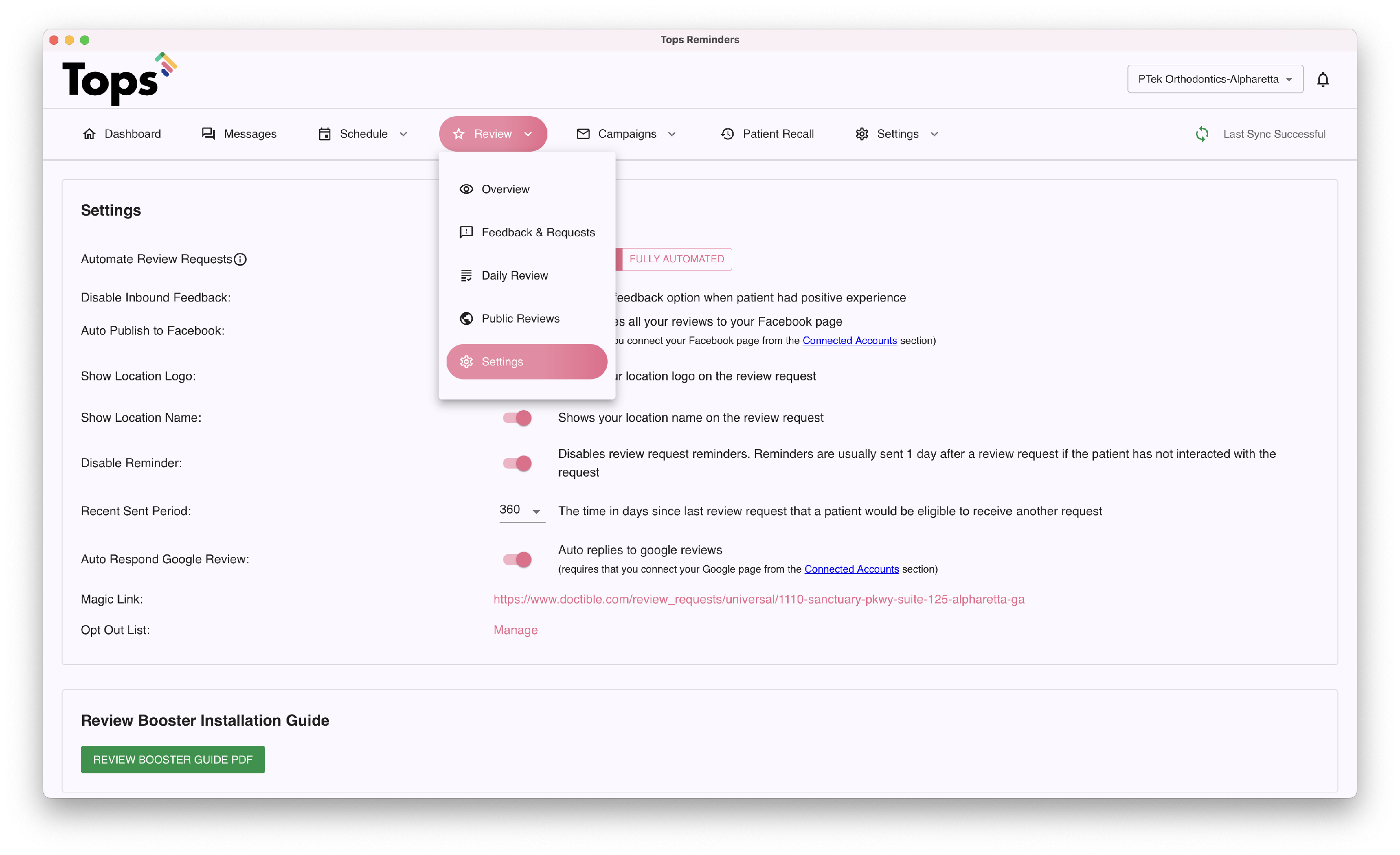
- The automation settings for your Review request are identified with three options, shown as tabs. The highlighted tab is the one in force.

NONE:
On this setting, your practice will receive a daily email with eligible review requests, and you can send at your leisure. No messages will be sent automatically.
DAILY REVIEW:
On this setting, your practice will receive a daily email with eligible review requests. If your office does not make any changes, all contacts on the list will be sent review requests automatically at approximately 5:00pm.
FULLY AUTOMATED:
On this setting, all review requests will be sent automatically at approximately 5:00pm.
Want more information on how to specify which appointment types should receive fully automated review requests? Go to Comm>Tops Reminders>Settings>Templates>Reviews to set your desired parameters. See the related article below on filtering review requests by appointment and view a quick snapshot of the settings!
